01 On-stage display
Readable from across the stage.
High-contrast chords and lyrics, sized to be caught in a glance — not studied. Stage mode darkens everything around the music so nothing competes with the chart.
- Chord, lyric, bar-count and waveform views
- Monospaced numerics — BPM and bars never jiggle
- Section labels (VERSE / CHORUS / BRIDGE) at a glance
- Tempo-keyed auto-scroll, hands-free
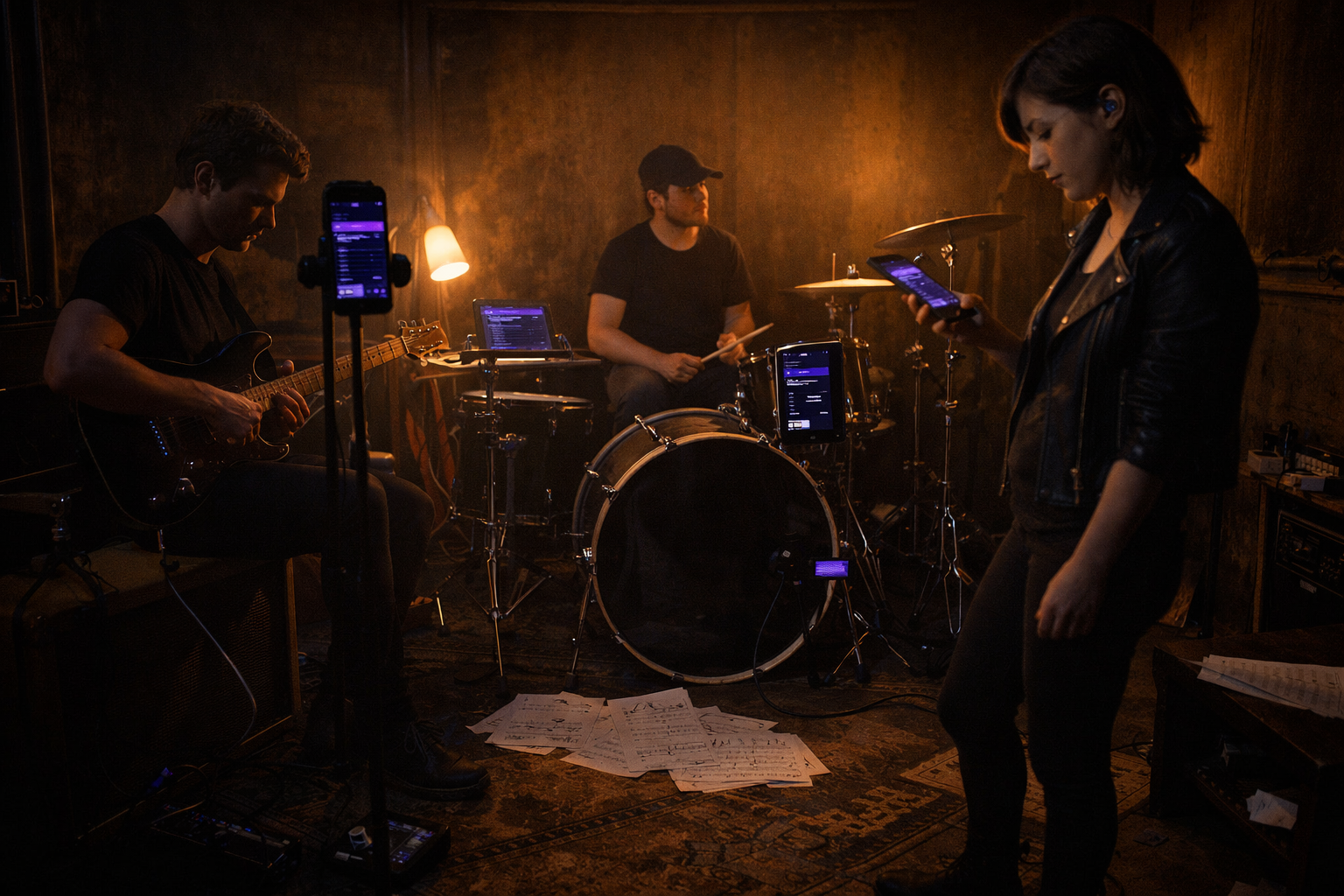 Rehearsal · everyone on the same chart
02 Setlists & cues
The set, in the order you'll play it.
Build the night, drag it into shape, and let the next song wait one tap away. Key, capo and tempo surface before you open it — so transitions are decisions, not scrambles.
- Drag-to-reorder, synced to the whole band
- Incoming-cue highlight for the next song
- Per-song key, capo and BPM at a glance
- Multiple sets saved per band
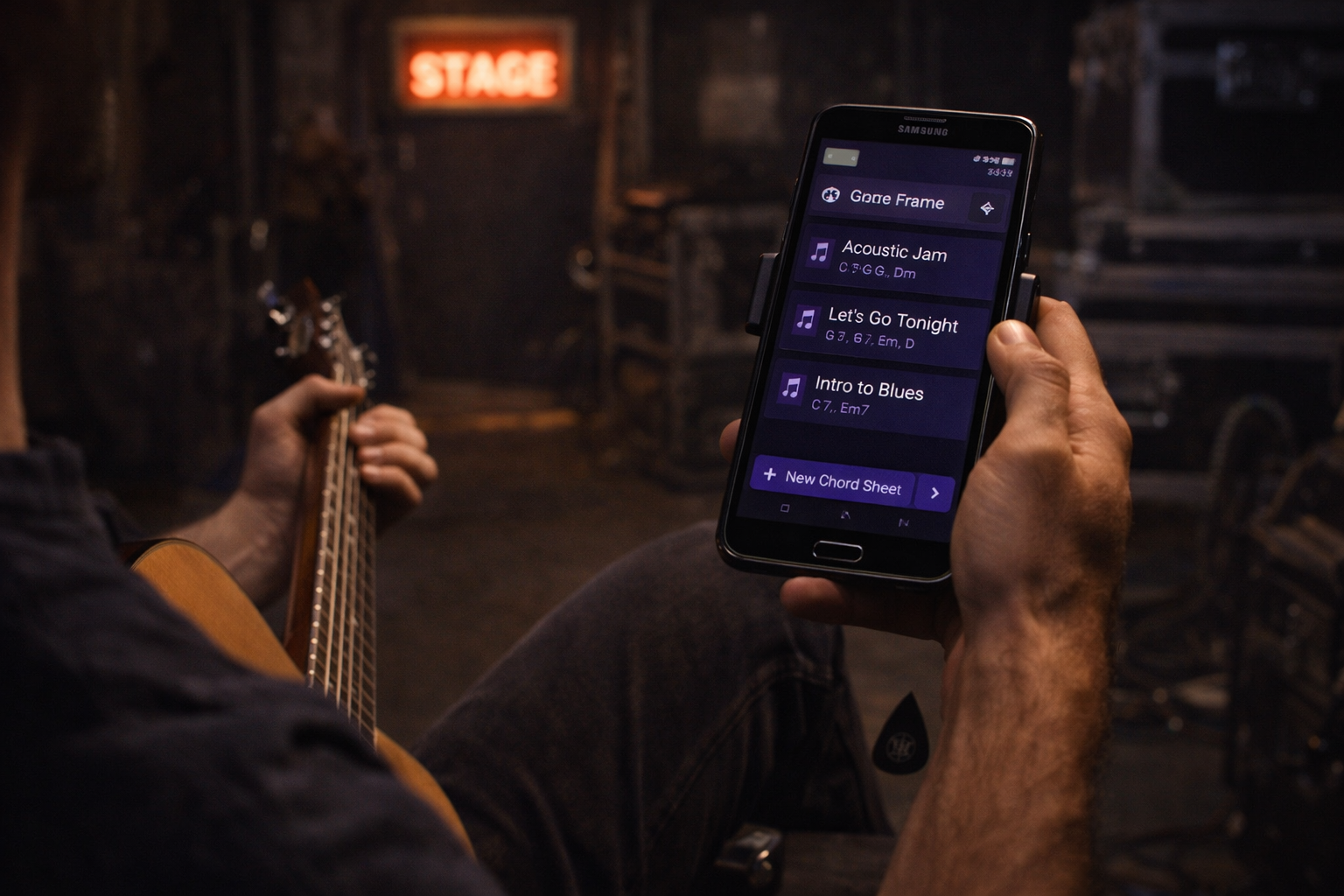 Backstage · setlist ready before the count-in
03 Band sync
One page turn, every screen.
Link the band over the local network and the set moves together. Page turns, section jumps and stops land on every device at the same instant — locked, in well under a second.
- Real-time, sub-200ms across the stage
- Leader-led or follow-anyone modes
- Clear locked / pending / error sync states
- Works without venue Wi-Fi
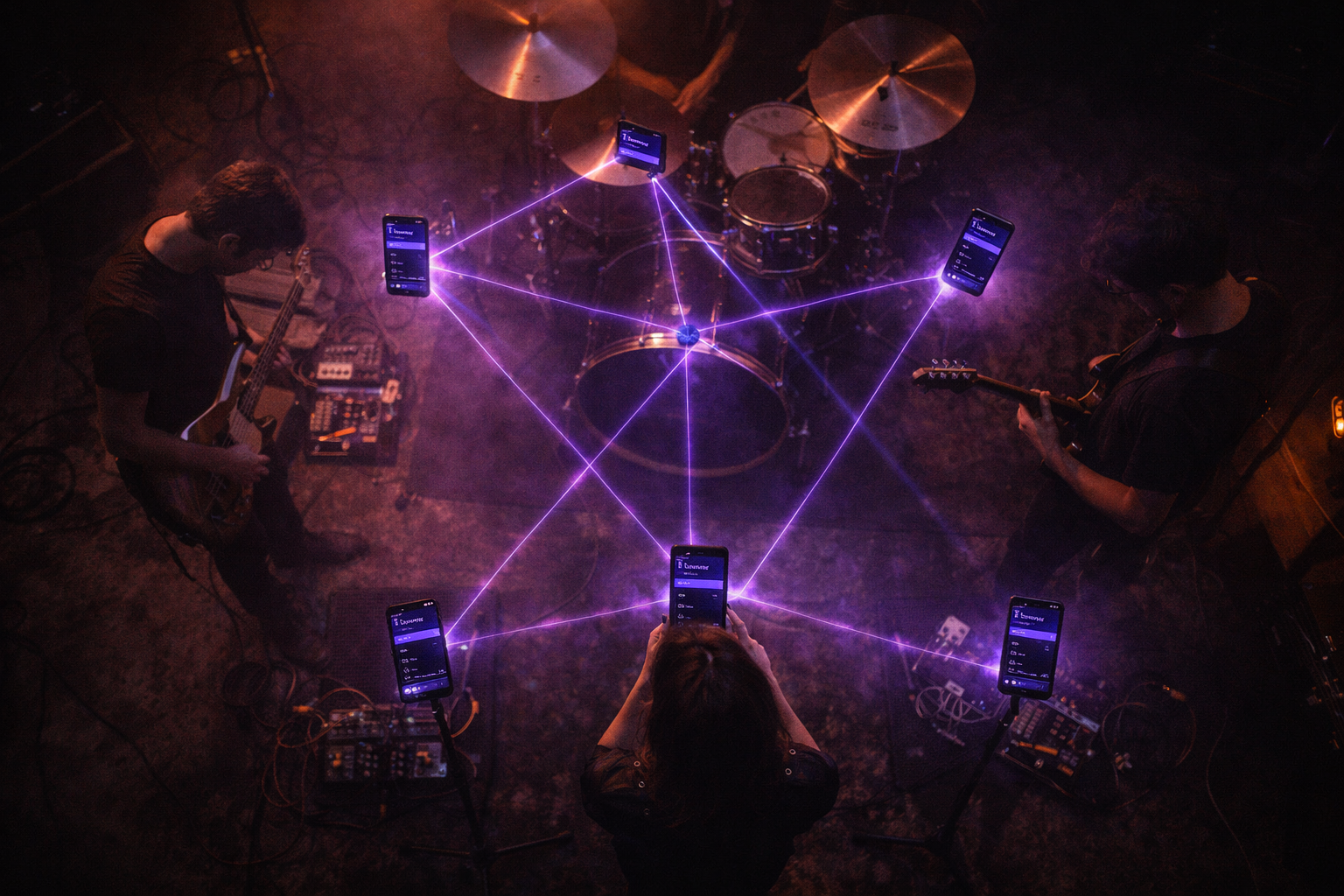 Live sync · the set moves together
04 AI smart import
Paper in. Clean chart out.
Point the camera at a marked-up, coffee-stained chart and GigFrame reads the chords, sections and lyrics into a clean, editable sheet — handwriting included. Your back catalogue, off the floor.
- Reads handwriting, print and screenshots
- Recognises chord symbols & section markers
- Review & edit before it goes into the set
- Runs on a monthly AI-credit budget
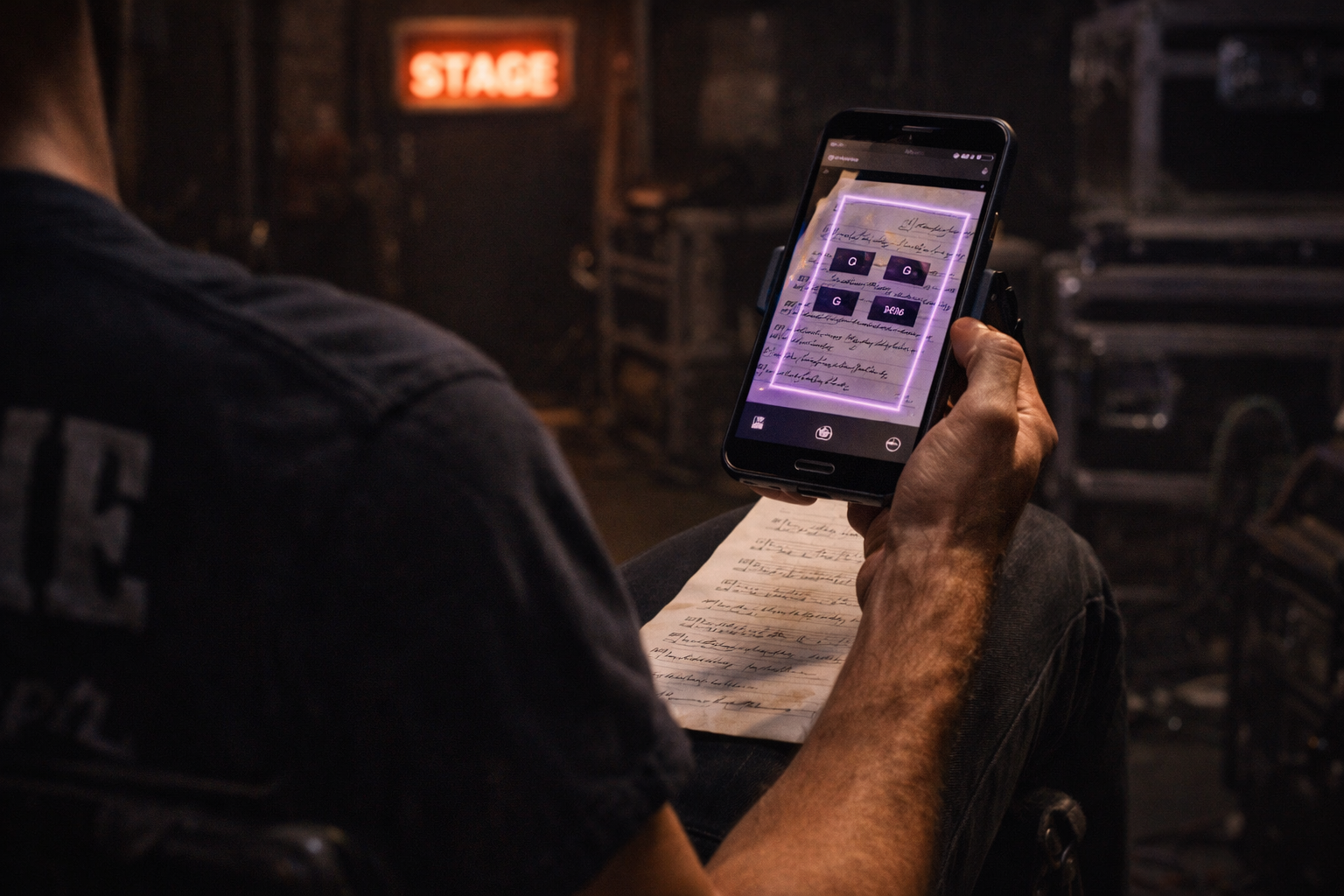 Smart import · scanning a worn chart
05 Migration
Switch in a coffee break.
Already living in OnSong or iReal Pro? The migration wizard brings your whole library across with keys, structure and notes intact — so moving to GigFrame costs you minutes, not a lost weekend.
- OnSong, iReal Pro and ChordPro
- Keeps keys, capos and arrangement order
- Bulk import, reviewed chart by chart
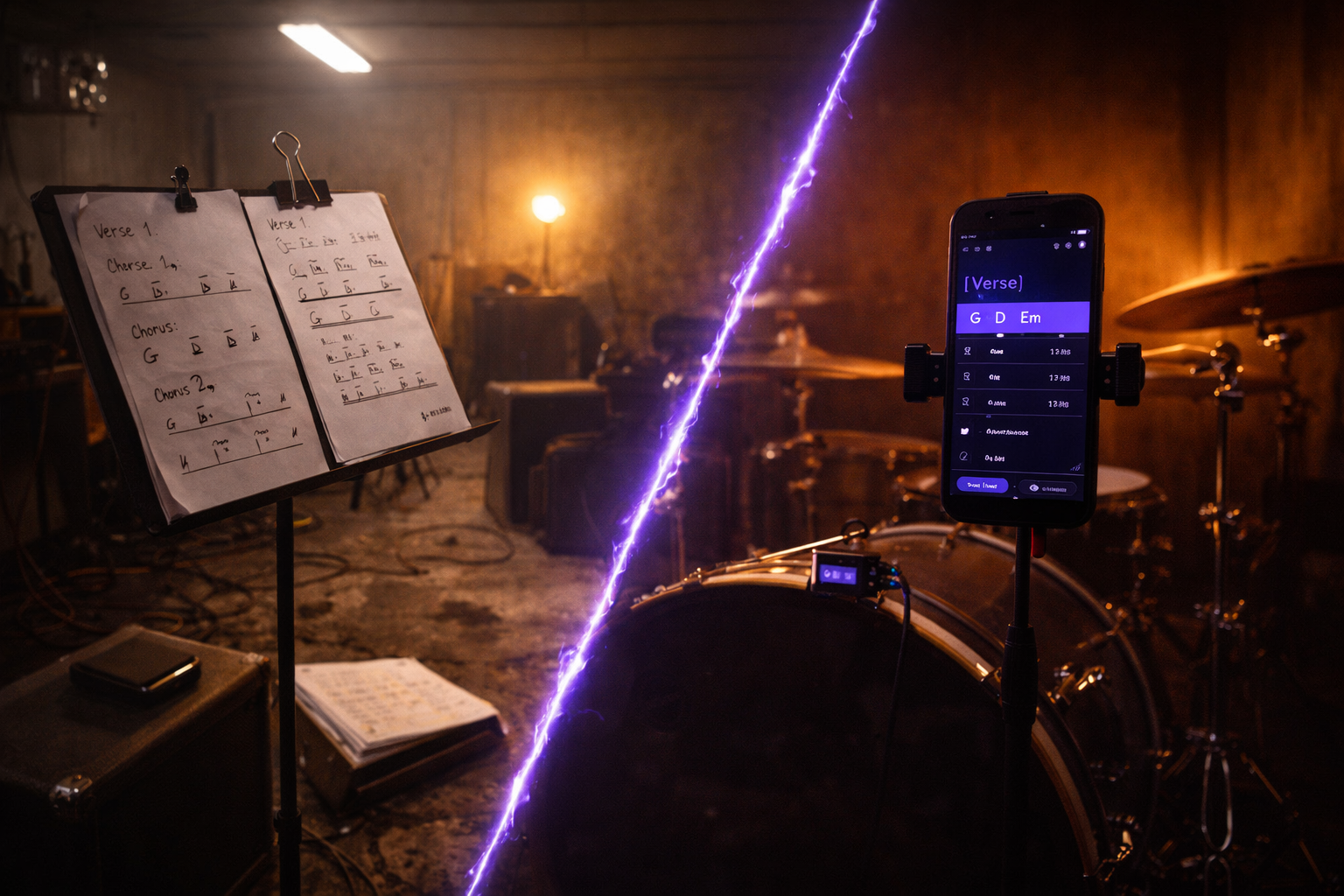 Paper era → GigFrame