Android App

Download GigFrame
for Android

The live performance platform for bands. Chord charts, auto-scroll, band sync — now on your phone.

Version 2.0 — March 2026
Download APK

~20 MB • Android 12+ required • Free to download

QR code linking to gigframe.app/download

Scan to open this page on your phone, then tap Download APK

How to install

  1. 1

    Tap the Download APK button above

  2. 2

    If prompted, allow your browser to download APK files

    Chrome may show a warning — tap "Download anyway" to proceed.

  3. 3

    Open the downloaded file

    Find it in your notification shade or in the Downloads folder.

  4. 4

    If you see "Install from unknown sources" — tap Settings and enable it for your browser

    This is a one-time step. Android requires permission to install apps outside the Play Store.

  5. 5

    Tap Install

  6. 6

    Open GigFrame and sign in with your account

    Don't have an account? Sign up free at app.gigframe.app.

What's new in v2.0

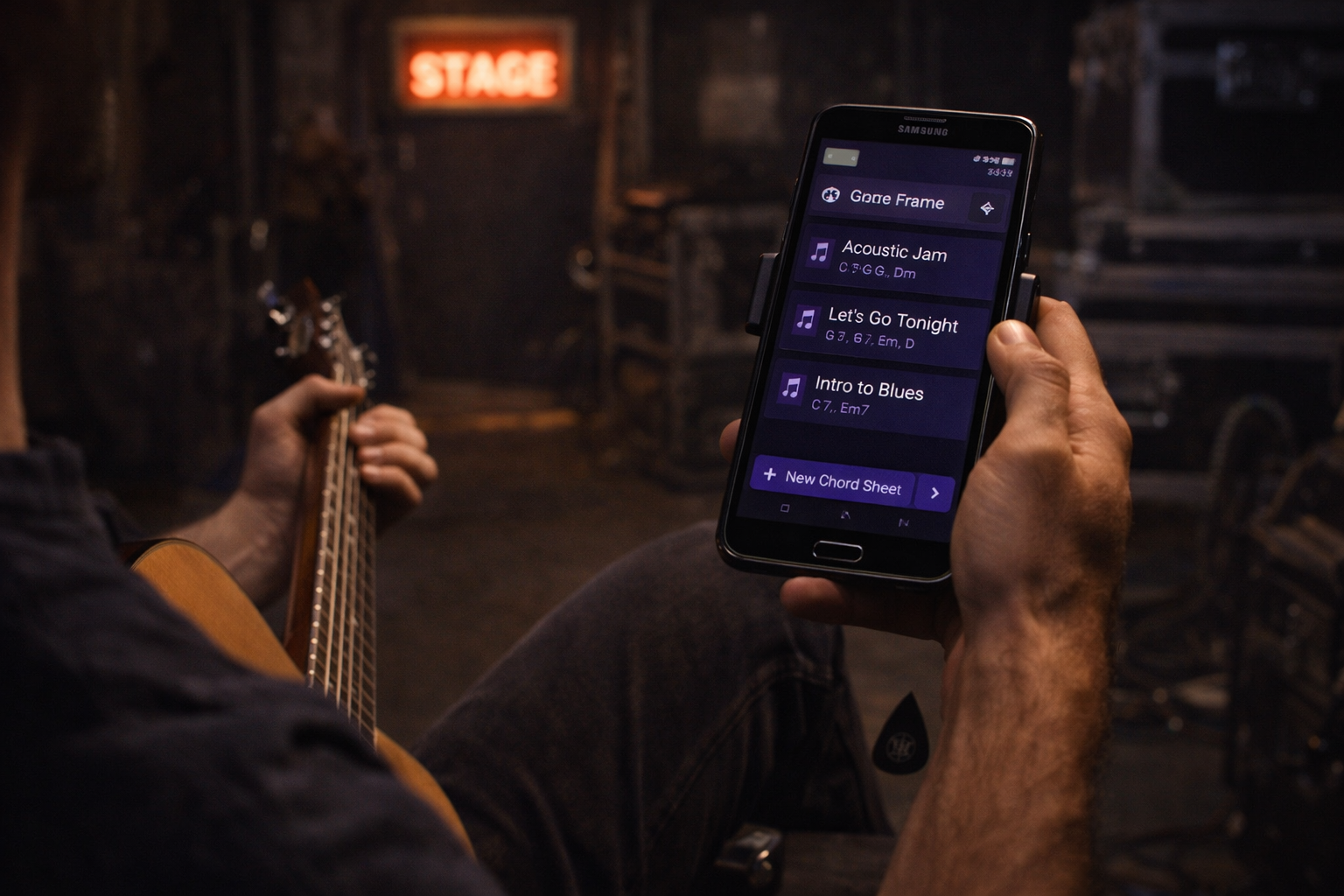
  • Chord bar editor — tap chords directly into the sheet, no bracket syntax needed
  • Performance mode — auto-scroll synced to BPM, hands-free with foot pedal or Pulse sensor
  • Band sync — every band member's screen updates in real time when the song changes
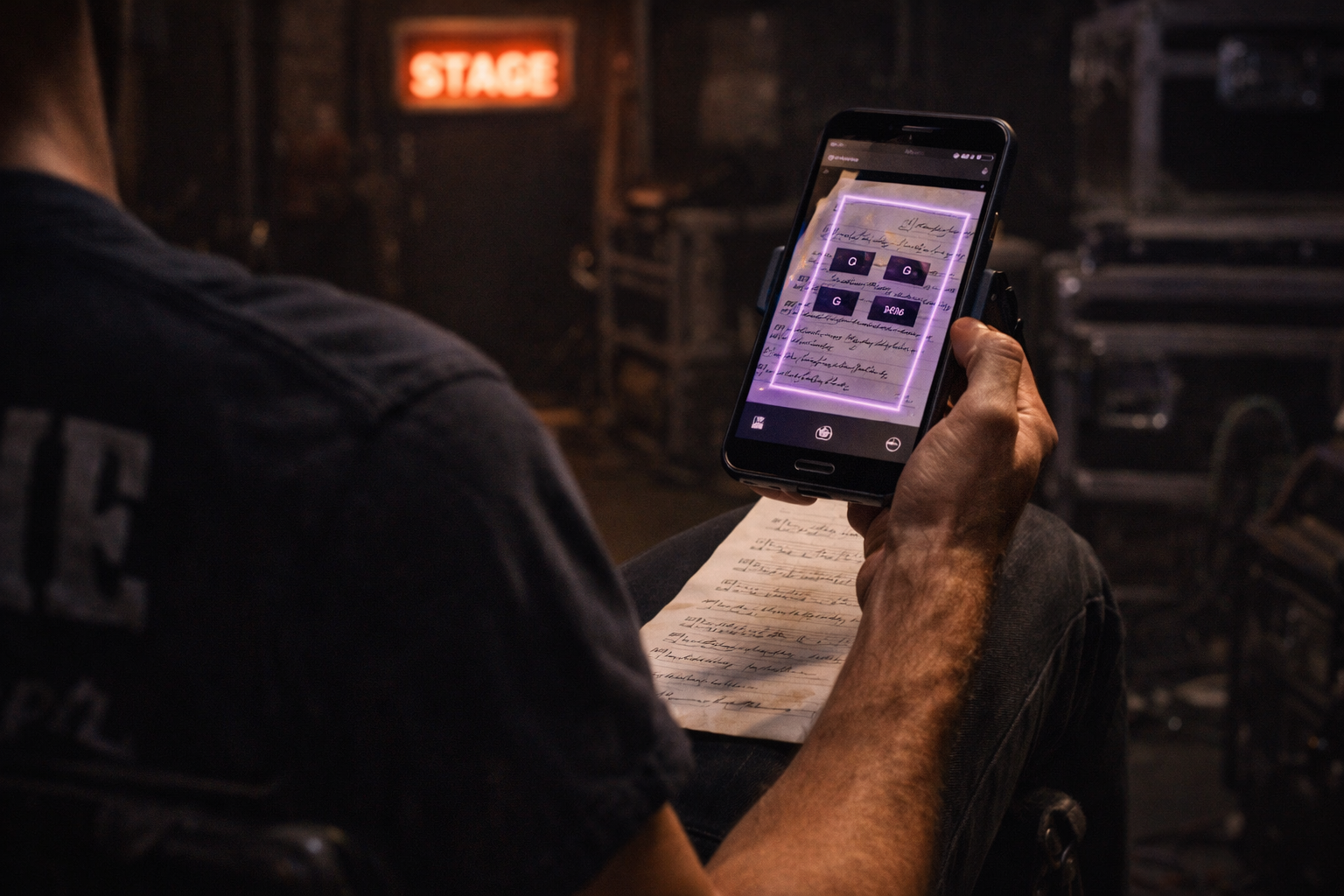
  • Import from 10+ formats — ChordPro, MusicXML, Guitar Pro, Ultimate Guitar exports, OnSong, and more
  • Web Studio editor — edit songs from any browser at app.gigframe.app
  • Tablet layout — list/detail pane on large screens, navigation rail
i

GigFrame will be available on the Google Play Store soon (appeal pending). This direct download is for beta testers. Your feedback directly shapes the product — tap the feedback button inside the app to share your thoughts.